 JIJI LABS
 SHIPSAFE
What ATS requires by default
Apple's documentation says ATS blocks connections that do not use TLS with reliable certificates and ciphers. For a connection to pass, the server certificate must use an RSA key of at least 2048 bits or an ECC key of at least 256 bits and SHA-256 or better, the connection must use TLS 1.2 or later, and the link must support perfect forward secrecy. ATS applies to the standard URL loading system (such as URLSession). It does not apply to lower-level networking interfaces, where you are responsible for connection security.
The ATS keys in your Info.plist
NSAllowsArbitraryLoads: disables ATS restrictions for all domains not listed inNSExceptionDomains. Apple says you must supply a justification during App Store review if it is true, and that in most cases it is better to upgrade your servers or use a narrower exception.NSAllowsArbitraryLoadsInWebContent: exemptsWKWebViewcontent without affectingURLSession. Also needs justification.NSAllowsArbitraryLoadsForMedia: relaxes ATS for media loaded with AVFoundation. Also needs justification.NSExceptionDomains: per-domain settings, such asNSExceptionAllowsInsecureHTTPLoads(plain HTTP for that host) andNSExceptionMinimumTLSVersion. Both require justification.NSAllowsLocalNetworking: allows loads from local resources such as.localnames without disabling ATS for the internet.
Apple's guidance is to carve out only the specific domains that make insecure connections and to limit any exceptions you request. If you set NSAllowsArbitraryLoadsInWebContent or other global exceptions, newer OS versions ignore NSAllowsArbitraryLoads and follow the more specific key instead.
Step 1: Find out why the connection fails
Many ATS errors come from a server problem, not from ATS. Use nscurl on your Mac to test the server under combinations of exceptions:
nscurl --ats-diagnostics https://api.example.comApple documents how to read the result: if allowing arbitrary loads also fails, the problem is not ATS, for example a certificate that does not match the server name or has expired. If the default test fails but a narrower combination passes, that combination tells you the smallest exception you need.
Step 2: Use the narrowest exception
If a single host cannot use HTTPS and you cannot change it, limit the exception to that host:
<key>NSAppTransportSecurity</key>
<dict>
  <key>NSExceptionDomains</key>
  <dict>
    <key>legacy.example.com</key>
    <dict>
      <key>NSExceptionAllowsInsecureHTTPLoads</key>
      <true/>
    </dict>
  </dict>
</dict>- Use lowercase domain names, such as
example.com. - Subdomains are not included unless you set
NSIncludesSubdomains. - In iOS 17, iPadOS 17 and macOS 14, ATS no longer allows connections to IP addresses by default. Apple says to add individual IP addresses or CIDR ranges in
NSExceptionDomains, or useNSAllowsLocalNetworkingfor local devices.
Step 3: Prepare the App Store justification
Apple lists the exceptions that require justification and may trigger additional review: NSAllowsArbitraryLoads, NSAllowsArbitraryLoadsForMedia, NSAllowsArbitraryLoadsInWebContent, NSExceptionAllowsInsecureHTTPLoads and NSExceptionMinimumTLSVersion. Examples Apple gives of justifications it will consider include connecting to a server managed by another entity that does not support secure connections, connecting to devices that cannot be upgraded and must be reached by public host names, displaying embedded web content from many sources, and loading encrypted media that contains no personalised information. Give App Review enough information to see why the app cannot make secure connections by default.
Having an exception, even with a justification, is not a guarantee of how review will go. Remove any exception you no longer need before you submit.
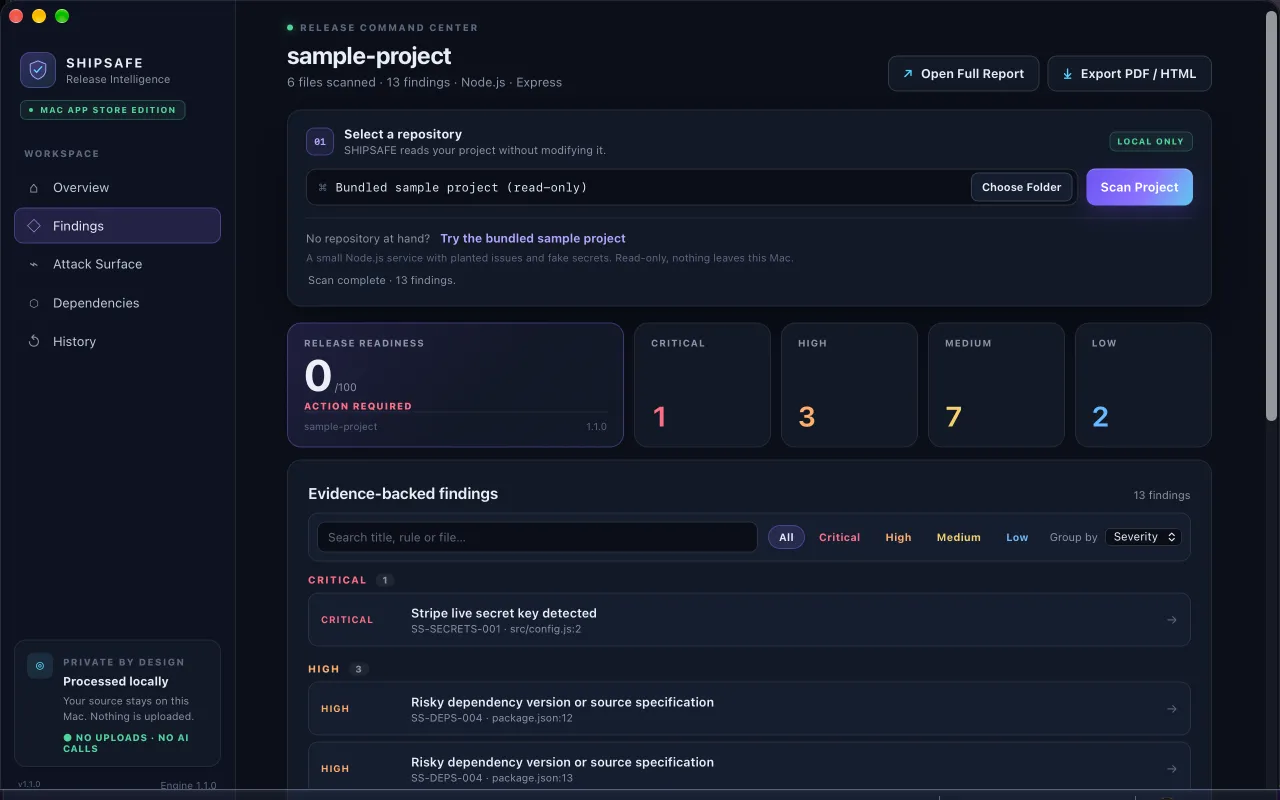
SHIPSAFE's iOS pack reads your Xcode project's files on your Mac and flags NSAllowsArbitraryLoads, the web content and media exceptions, per-domain exceptions that allow insecure HTTP, and http:// URLs in Swift code, each with file and line. It runs locally with no upload. View it on the Mac App Store.
Checklist
- Search your
Info.plist(and any build-setting based plist) forNSAppTransportSecurity. - Replace every global key with a per-domain exception if you can.
- Change
http://URLs in your code tohttps://and check the server answers. - Delete staging and demo-server exceptions you no longer use.
- Write the justification note before you submit.
More pre-release checks are in the security checklist for AI-built apps.
Frequently asked questions
Does NSAllowsArbitraryLoads get an app rejected?
Apple says you must supply a justification in App Store review if you set it to true, and some exceptions may trigger additional review. Apple does not say it means automatic rejection, so use a narrower exception and explain your case clearly.
What is the difference between NSAllowsArbitraryLoads and a per-domain exception?
NSAllowsArbitraryLoads disables ATS restrictions for every domain you do not list. A per-domain exception in NSExceptionDomains relaxes only the named host, leaving ATS protection for everything else.
How do I find out which ATS exception my server needs?
Run nscurl --ats-diagnostics against your server URL on a Mac. It tests combinations of ATS settings and shows which ones allow the connection, which points to the smallest exception, or to a server problem to fix instead.
Official documentation used for this guide
Vendor interfaces change. If a menu looks different, follow the linked documentation.
- Apple Developer: Preventing insecure network connections
- Apple Developer: NSAppTransportSecurity
- Apple Developer: NSAllowsArbitraryLoads
- Apple Developer: NSAllowsLocalNetworking
- Apple Developer: Identifying the source of blocked connections
- Apple Developer News: Fine-tune your App Transport Security settings