 JIJI LABS
 SHIPSAFE
Why a key in your app is public
An iOS app is distributed to users' devices. Strings, plist values and compiled constants travel with it. People can download an app, unpack it, and search it for text that looks like a key, and they can watch the network requests the app makes. Provider documentation says the same:
- Stripe: "Unauthorized parties can unpack applications to search for embedded keys." For client-side use cases such as mobile apps, embed publishable keys instead.
- Google (Gemini API): do not hardcode API keys directly in web or mobile apps, because users can extract them. Route calls through a backend.
- Supabase: only the publishable key is appropriate in client code. Secret keys must stay out of browsers, shipped apps and source control.
Putting the key in Info.plist, a .xcconfig file, a Swift constant split into pieces, or an encoded string does not change that. These tricks slow down a casual reader but do not protect a key that grants real access or costs money.
Step 1: Sort your keys into public and secret
- Designed to be public: Stripe publishable keys, Supabase publishable (or legacy anon) keys, and Firebase client configuration. Their safety depends on server-side rules, such as Supabase Row Level Security or Firebase Security Rules, and on key restrictions. See Firebase and Supabase keys.
- Must never ship: Stripe secret and restricted keys, Supabase secret (or service_role) keys, OpenAI and Anthropic keys, Gemini Developer API keys, AWS secret keys, signing keys, database passwords.
Step 2: Move secrets behind a small server
The pattern is the same for every provider: the app talks to your server, and your server talks to the provider with the secret key.
- Create an endpoint on a server or serverless function you control (for example
POST /api/chat). - Store the provider key in that platform's secret store or environment variables.
- Authenticate the user to your server (Sign in with Apple, an account token, or similar), so strangers cannot use your endpoint as a free proxy.
- Rate-limit per user, and cap spending at the provider (see AI API keys: spend limits).
- Check inputs on the server. The app is not a trusted caller.
Apple provides App Attest (part of the DeviceCheck framework) to help your server confirm requests come from a genuine copy of your app. It raises the bar for abuse but does not turn a shipped secret into a safe one.
What about the Keychain?
The Keychain is for secrets that belong to the user or are created at runtime, such as a session token after sign-in. It does not help with a key you compile into the app for everyone, because the key still has to be in the bundle before it can be stored.
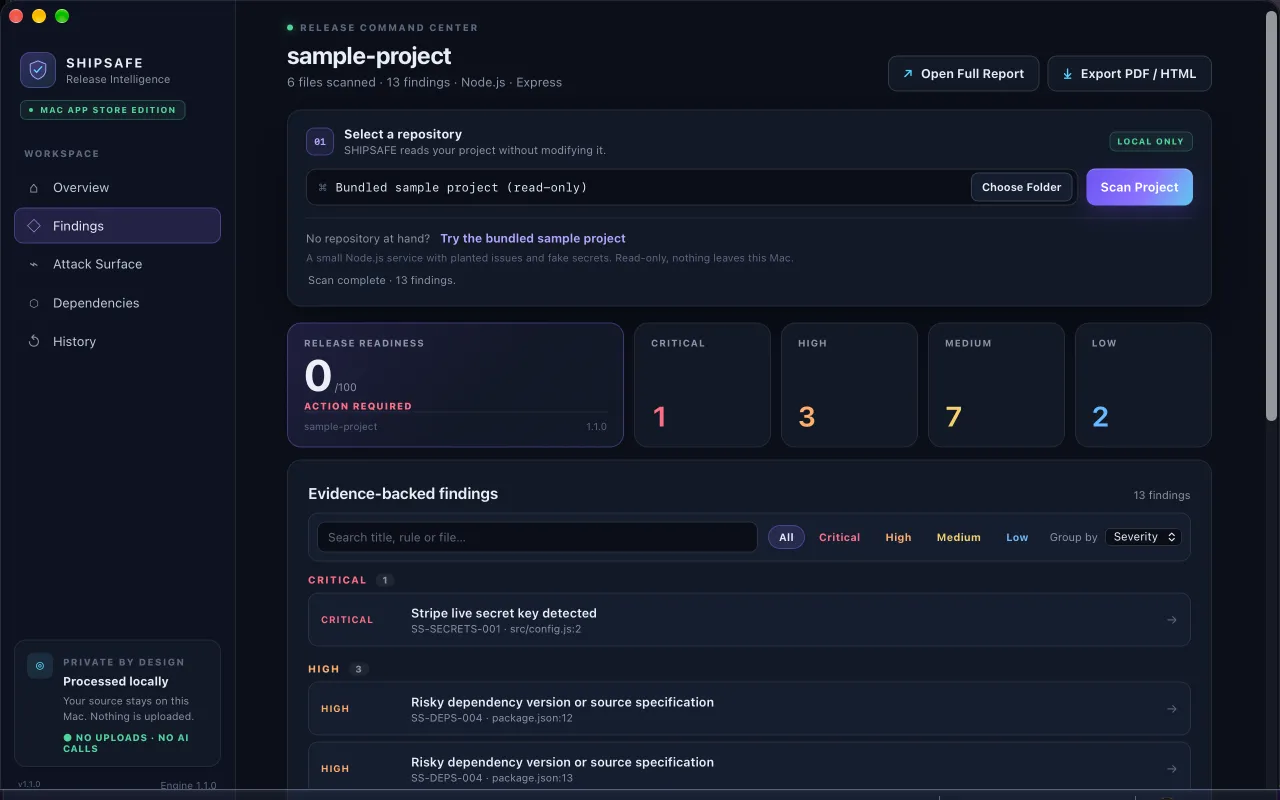
SHIPSAFE includes an iOS pack for Swift and Xcode projects. On your Mac, it looks for provider keys and hard-coded credentials in project files, credentials printed with print, NSLog or os_log, and signing keys (.p8, .p12) or provisioning profiles committed to the repository. Nothing leaves your machine. Open the Mac App Store page.
If a secret key already shipped
- Rotate or revoke it at the provider now. Old app versions will keep working only if they do not need that key.
- Release a new build that calls your server instead.
- Check the provider's usage logs for activity you do not recognise.
- Consider how long old builds stay in use. A forced-update message or a server-side kill switch can help.
Do not print secrets either
Values printed to the console end up in Xcode logs, device diagnostics and sometimes crash reports. Remove debug prints that include tokens or passwords before you archive a release build. Use os.Logger for intentional diagnostics.
Frequently asked questions
Can I hide an API key in my iOS app with obfuscation?
Obfuscation slows down a casual reader but does not stop someone who wants the key, because the app must still use it at runtime and its network traffic can be observed. Keep secret keys on a server.
Is it okay to put a Stripe publishable key in my app?
Yes. Stripe documents publishable keys as safe to include in front-end code and mobile apps. Secret and restricted keys must stay on your server.
Does the iOS Keychain protect an API key that I ship in the app?
No. The Keychain protects data stored on one device at runtime. A key compiled into the app is already readable in the app package before it reaches the Keychain.
Official documentation used for this guide
Vendor interfaces change. If a menu looks different, follow the linked documentation.
- Stripe Docs: Best practices for managing secret API keys
- Google AI for Developers: Using Gemini API keys
- Supabase Docs: Understanding API keys
- Apple Developer: Establishing your app's integrity
- Apple Developer: Keychain services