 JIJI LABS
 SHIPSAFE
Jiji Labs Digital / SHIPSAFE guides
SHIPSAFE guides
Leaked a key? Shipping soon? Start here.
Eight step-by-step guides for developers: what to do when a key leaks, how to clean a repository, how to roll a Stripe or AI key, and what to check before you release an app. Each one links to the vendor's official documentation, and is useful whether or not you ever use our app.
GUIDE 1Leaked an API key on GitHub: what to do in the first hourRevoke first, clean up later. A step-by-step plan for the first hour.GUIDE 2How to remove a .env file from git historyRotate first, then git filter-repo or BFG, then a careful force-push.GUIDE 3Stripe secret key exposed: roll it and check for abuseRoll the key, read the logs, check charges and payouts, then restrict it.GUIDE 4AI API key leaked (OpenAI, Anthropic, Gemini): revoke, set spend limits, check usageDelete the key, cap spending, read the usage, and replace it safely.GUIDE 5Hard-coded API keys in an iOS app are public: why, and what to do insteadWhy a key inside an app is not secret, and the safe patterns to use instead.GUIDE 6Pre-release security checklist for apps built with AI coding toolsSecrets, debug flags, auth, dependencies and logs: check them before you ship.GUIDE 7Firebase and Supabase keys: which are safe in client code and which are notPublic identifiers versus secrets, and the rules that really protect data.GUIDE 8App Transport Security exceptions (NSAllowsArbitraryLoads) before you shipWhat each ATS key does, what App Review expects, and how to narrow exceptions.
Check your project before the next release
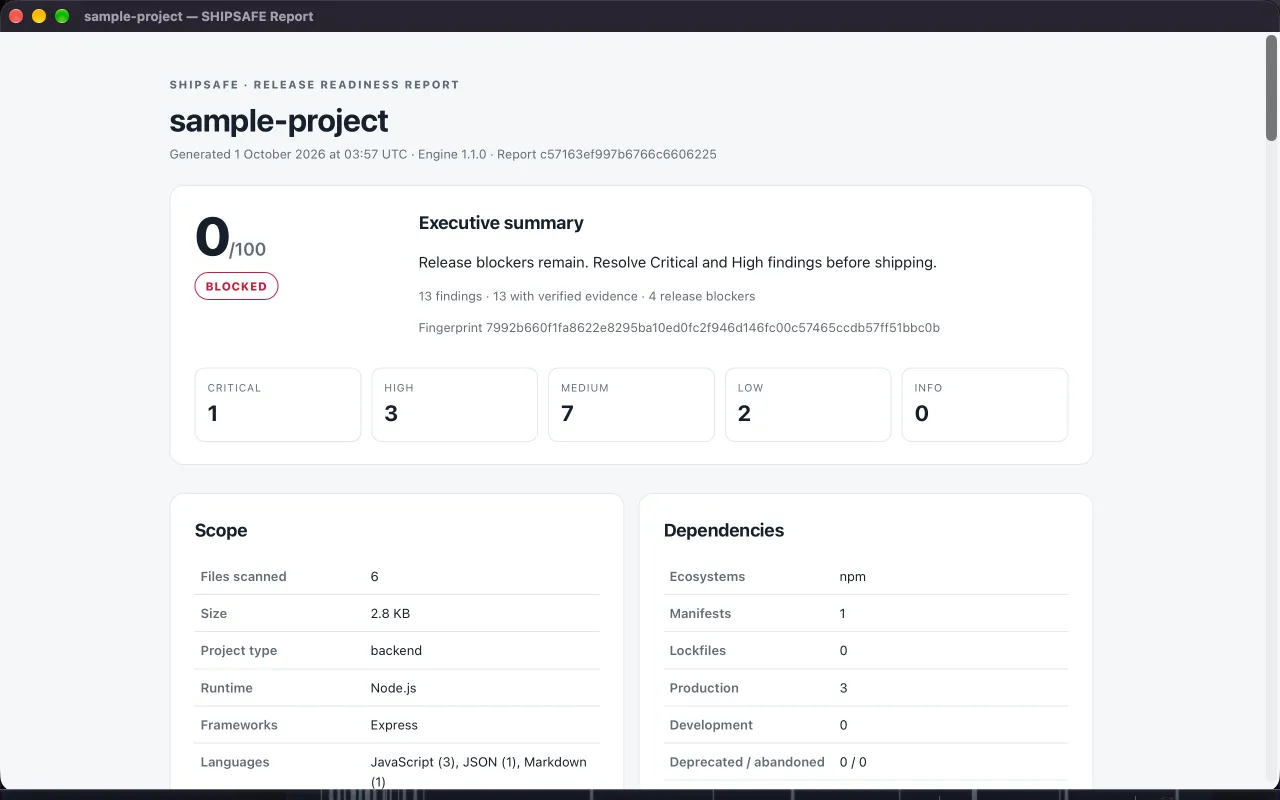
SHIPSAFE is a Mac app that scans a project folder for leaked API keys and risky release configuration. It is available on the Mac App Store and runs 100% locally, with no upload and no account.