 JIJI LABS
 SHIPSAFE
First: is it really a secret key?
Stripe has several key types, and only some are sensitive:
pk_live_...andpk_test_...(publishable): safe to put in front-end code and apps.sk_live_...(secret) andrk_live_...(restricted): not safe to expose. A secret key has unrestricted permissions on all Stripe APIs.sk_org_...(organization): not safe to expose, and it reaches multiple Stripe accounts.- Webhook signing secrets are not API keys. You find them under Webhooks in the Dashboard.
Test keys (sk_test_...) cannot move real money, but rotate them too if they leaked.
Step 1: Rotate the key
- Open the Stripe Dashboard and go to the API keys page (Developers, then API keys).
- Click the overflow menu (three dots) next to the exposed key and choose Rotate key.
- Pick an expiration from the dropdown. Now deletes the old key immediately. A time lets both keys work for a while, up to 7 days.
- Click Rotate API key, copy the new key, and store it in your host's secret store or an environment variable. In live mode you cannot reveal a key you created yourself later.
Which expiration? If an attacker could be using the key right now, choose Now and accept a short outage. If you can deploy the new key within minutes, a short grace period avoids downtime, but it also keeps the leaked key alive for that time. Stripe also lets you expire a key without replacing it, if you prefer to create a new one by hand.
Step 2: Update your backend and confirm
Set the new key in your server environment, redeploy, and make one test call. Stripe recommends watching server logs for errors and, before the old key expires, checking that its request volume has dropped to zero.
Step 3: Check for abuse
Stripe's support guidance for compromised keys covers these checks:
- Request logs. On the API keys page, open the overflow menu for the key and choose View request logs (it opens Workbench). Look for activity that does not match your integration and for IP addresses you do not recognise.
- Charges. Refund fraudulent charges quickly to reduce dispute risk. If your balance cannot cover the refunds, add funds.
- Payouts. Reverse payouts sent to fraudulent bank accounts. Reversals are not guaranteed, so start fast and contact Stripe support if needed.
- Connected accounts and bank accounts. Pause payouts to, or reject, any you do not recognise. Remove unknown bank accounts.
- Webhooks (Connect platforms). Watch
account.updated,account.external_account.updatedandpayout.created. - Other keys. Rotate every other secret and restricted key in case more than one was exposed.
Step 4: Reduce the damage of the next leak
- Use restricted keys. Stripe recommends restricted API keys for most use cases and does not recommend secret keys for new integrations. Give each part of your app only the permissions it needs.
- Add an access policy. Stripe recommends access policies on all live keys, so requests from unknown sources are blocked and you are notified. Policies can limit by IP address, or by ASN, country and threat categories.
- Keep secret keys on the server. Never embed them in a mobile or desktop app. Stripe says unauthorised parties can unpack applications to find embedded keys, and tells you to use the publishable key in client code. See hard-coded API keys in an iOS app.
- Use a secret store or environment variables, and keep keys out of source code and config files checked into version control.
Stripe also notes it never asks you for your secret API key. If someone claiming to be Stripe asks for it, that is a scam.
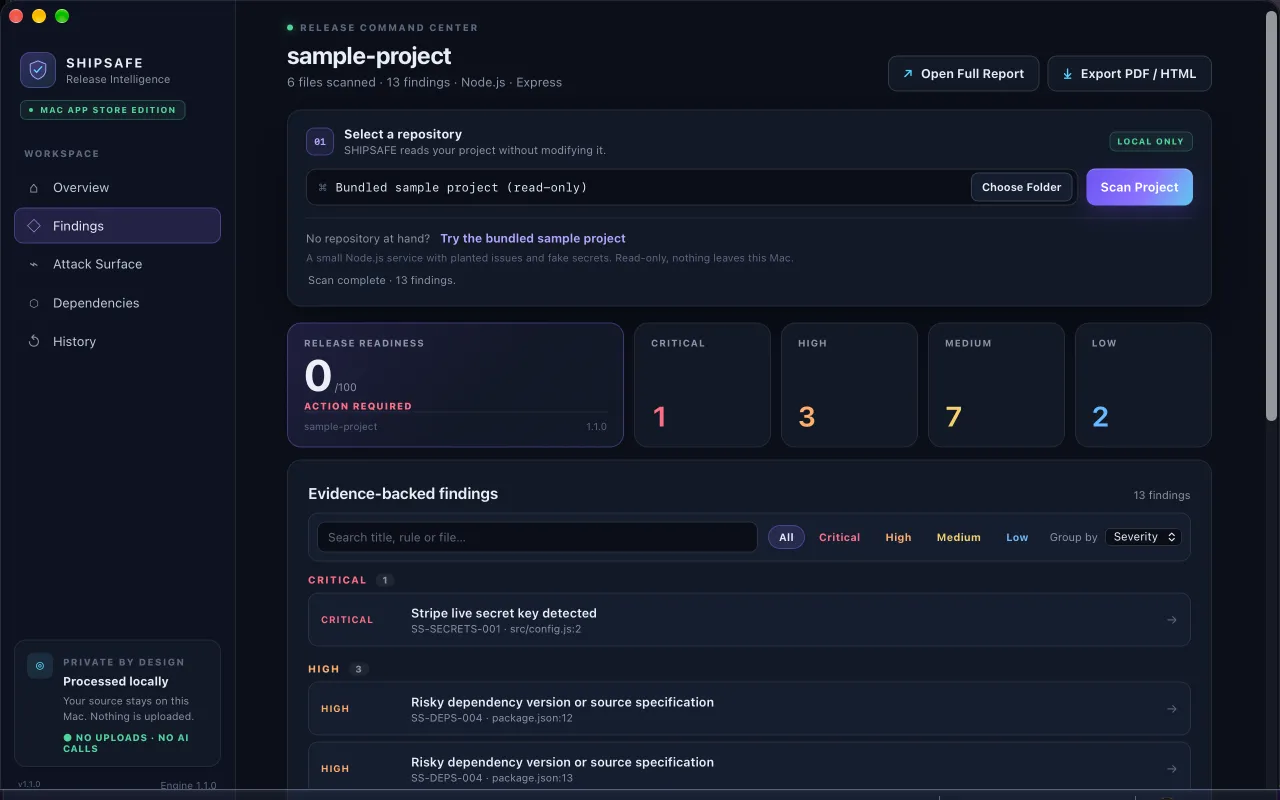
SHIPSAFE (Mac App Store, scans locally, no upload) detects Stripe live secret and restricted keys (sk_live_ and rk_live_ formats) in project files, along with other key formats and committed .env files, and shows a fingerprint instead of the full key. It does not check whether a key is still active. View on the Mac App Store.
Then clean the repository
Once the key is dead, remove the old commit if you want to: how to remove a .env file from git history.
Frequently asked questions
Is it safe to publish my Stripe publishable key?
Yes. Stripe lists publishable keys (pk_) as safe to expose, and says to use them in front-end code and mobile apps. Secret and restricted keys (sk_ and rk_) are not safe to expose.
Should I expire the old key right away or give a grace period?
Stripe lets you choose when you rotate: Now deletes the old key immediately, and a time keeps both keys working for up to 7 days. For a key that may be in use by an attacker, expire it immediately.
How do I see whether someone used my leaked Stripe key?
Open the API keys page, use the key's menu to View request logs, and look for requests or IP addresses you do not recognise. Also check charges, payouts, connected accounts and bank accounts.
Official documentation used for this guide
Vendor interfaces change. If a menu looks different, follow the linked documentation.
- Stripe Docs: API keys
- Stripe Docs: Best practices for managing secret API keys
- Stripe Support: Protecting against compromised API keys
- Stripe Docs: Restricted API keys