 JIJI LABS
 SHIPSAFE
Do this first, for any provider
- Delete or disable the exposed key in the provider's dashboard. Do not wait to find out whether it was used.
- Create a new key and put it in an environment variable or secret store, not in source code.
- Set a spend cap or alert (provider steps below).
- Review usage for the period since the key was exposed.
OpenAI
- Delete the key. OpenAI's help center says to delete a compromised key through the API key dashboard and to contact support if you think it was compromised. It also says it disables keys it finds on the public internet or inside an app in an app store.
- Cap spending. In your project settings choose Limits, then under Spend choose Edit spend limit, enter a monthly amount, and turn on Enforce a hard limit if you want requests to fail at the cap. Without the hard limit you only get alerts. OpenAI notes enforcement lags slightly, so spend can go a little over.
- Check usage. The Usage page shows usage per key once tracking is on. Keys created before December 20, 2023 are not tracked by default, and their older usage shows as "Untracked".
- Separate projects. OpenAI suggests separate staging and production projects, each with its own limits, and expiring and rotating project keys on a schedule.
Anthropic (Claude API)
- Delete the key. In the Claude Console, open the API keys page, click the three-dot menu next to the key and select Delete API key. Anthropic's help center also lists a Disable option; deleting is permanent.
- Check logs and usage. Anthropic tells you to review the Logs and Usage pages for unexpected activity tied to the key.
- Cap spending. Spend limits are set per workspace: on the Workspaces page select the workspace and click Spend limits to cap monthly spend and set alerts. You cannot set spend limits on the Default Workspace, so create a separate workspace for the app and create its key there. A workspace limit can be lower than, not higher than, your organization's.
- Automatic help. Anthropic participates in GitHub's secret scanning partner program. If GitHub finds a Claude key in a public repository, Anthropic deactivates it and emails you. Do not rely on that for private leaks or other places.
Google Gemini
- Replace the key. Google's guidance is to create a replacement key in Google AI Studio or the Cloud console, confirm it works, then disable or delete the compromised key in the Cloud console. Keeping the old key until the new one works avoids downtime, but if the old key is being abused, delete it first.
- Understand the risk. Google warns that a compromised key lets others use your project's quota, incur billing charges and access private resources.
- Billing and usage. Set billing alerts in the Google Cloud console, and check billing logs and API usage there for unauthorised activity.
- Restrict the new key. In AI Studio you can choose Restrict to Gemini API only for an unrestricted key. Restrictions limit the damage if the key leaks again.
- Not a Firebase client key. Firebase's documentation says a Gemini Developer API key is secret and must not be placed in code or config shipped with your app. See which Firebase and Supabase keys are safe in client code.
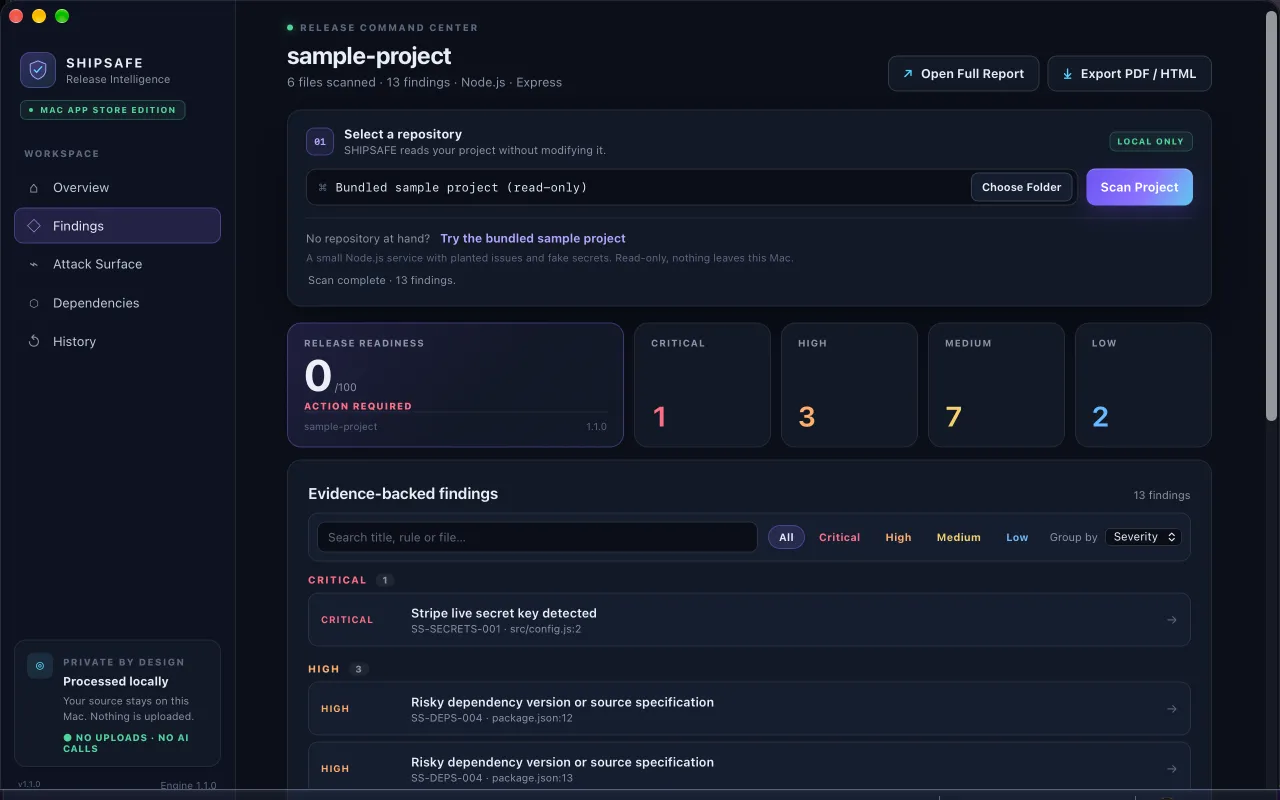
SHIPSAFE scans a project folder on your Mac for AI-provider keys (including OpenAI-style sk- keys), Google API keys, and other tokens, plus hard-coded passwords and .env files, before you push or ship. Nothing is uploaded and no account is needed. It reports what it finds in the current files, not in git history. See it on the Mac App Store.
Where AI keys usually leak
- A
.envor config file committed by accident. See removing it from history. - A key pasted into code that an AI assistant generated, or into a prompt or issue.
- A key inside a mobile or web app, where anyone can extract it. Put a small server between your app and the AI provider and keep the key there. See hard-coded API keys in an iOS app.
- Logs and screenshots that include request headers.
After the incident
- Use a separate key for each app and each environment, so you can revoke one without breaking the rest.
- Store keys in environment variables or an encrypted secret manager and keep
.envout of git. - Keep the spend limit in place. It is the one control that works even if you never notice a leak.
Frequently asked questions
My AI key was on GitHub for a few minutes. Do I still need to rotate it?
Yes. Automated scrapers can copy a key within minutes, and you cannot tell afterwards. Delete it, create a new one, and check usage for the exposure window.
Can I cap how much a new OpenAI or Anthropic key can spend?
Yes, at the project or workspace level. OpenAI offers a monthly spend limit with an optional hard limit that fails requests at the cap. Anthropic sets spend limits per workspace, but not on the Default Workspace.
Where should an AI key live in a mobile app?
Not in the app. Anything shipped in an app can be extracted, so keep the key on a server you control and have the app call your server.
Official documentation used for this guide
Vendor interfaces change. If a menu looks different, follow the linked documentation.
- OpenAI Help Center: Preventing unauthorized API usage
- OpenAI: Production best practices
- OpenAI: Spend limits
- Anthropic Help Center: API key best practices
- Anthropic Help Center: Creating and managing workspaces
- Claude Docs: Workspaces
- Google AI for Developers: Using Gemini API keys
- Firebase Docs: Learn about using and managing API keys