 JIJI LABS
 SHIPSAFE
Firebase
Firebase's documentation states that API keys for Firebase services are not secret in the way server keys are. They identify your Firebase project and app, and it is safe to include them in code or configuration files. The details matter:
- Keys identify, not authorise. Access control comes from Firebase Security Rules, IAM and App Check, not from the key.
- Restrict every key. Keys that Firebase creates for browser, Android and iOS apps are limited to Firebase-related APIs by default. Check in the Google Cloud console that the restrictions are still there, because keys can be edited.
- Do not reuse a Firebase key for other Google APIs. Use separate, restricted keys for non-Firebase APIs such as Maps or Places.
- Gemini Developer API keys are secret. Firebase says not to put them in code or config files and not to add the Gemini Developer API to the allowlist of a publicly accessible key.
- Do not rely on obscurity. Firebase says not to rely only on restricting or hiding your keys.
What actually protects Firebase data
- Security Rules protect Realtime Database, Cloud Firestore and Cloud Storage. Test mode rules that allow everything must not reach production.
- App Check helps ensure requests come from your genuine app.
- Service account JSON files are secrets. Never commit or ship them.
The GoogleService-Info.plist file in an iOS project and google-services.json on Android contain this public configuration. They are not passwords, but they identify your project, so check your rules and key restrictions.
Supabase
Supabase now uses two key types, with older JWT-style keys kept for compatibility:
- Publishable key (
sb_publishable_...): low privilege, meant for public code such as web pages, mobile apps and CLIs. The older equivalent is theanonkey. - Secret key (
sb_secret_...): elevated privilege, for backend code only: servers, APIs with their own authorisation, and Edge Functions. The older equivalent is theservice_rolekey.
The important detail: secret keys use the service_role role, which has the BYPASSRLS attribute, so they skip every Row Level Security policy. A leaked secret key means full read and write access to your tables.
Row Level Security is required
Supabase tells you to enable Row Level Security on every table before you deploy. The publishable key maps to the anon or authenticated roles, and your policies should target those roles. A table without RLS, reachable with the public key, is open to everyone who has it.
If a Supabase secret or service_role key leaked
- Create a new secret key.
- Replace the compromised key in every component and confirm each one uses the new key.
- Delete the leaked secret key. Supabase says deletion is irreversible, so do it after the replacement works. For legacy keys, deactivate them instead, which can be reversed.
- Check your database and logs for access you did not expect.
Supabase also says a secret key used from a browser is rejected, but still tells you to delete any leaked key immediately, because other tools can use it. Note that creating new keys does not revoke the legacy anon and service_role keys. They keep working until you disable them under Settings, then API Keys.
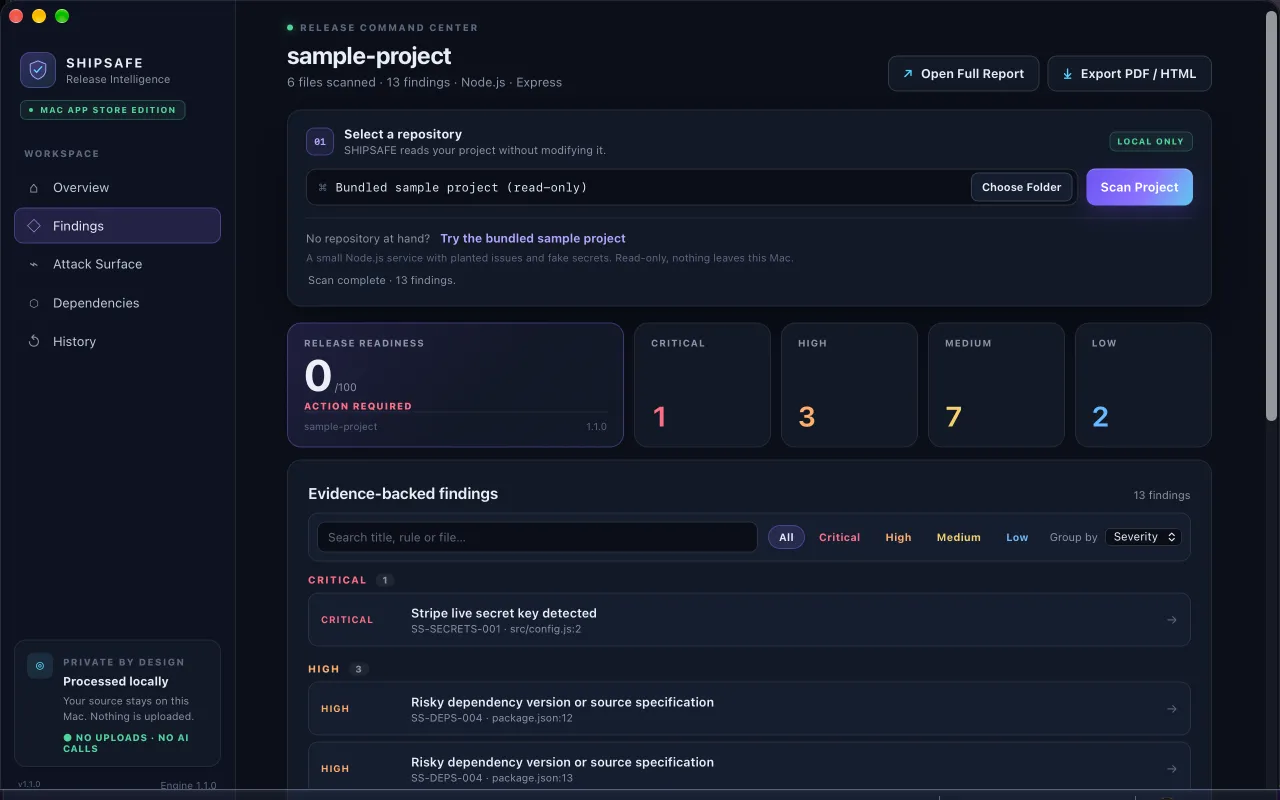
SHIPSAFE can flag a committed GoogleService-Info.plist as an informational finding and remind you to review rules and key restrictions, and it detects Google API key formats and other credentials in project files. It cannot tell whether a Supabase key is the publishable or secret one, or whether your Row Level Security policies are correct, so treat a finding as a prompt to check, not a verdict. Mac App Store page.
Quick reference
| Key | In client code? |
|---|---|
| Firebase API key for Firebase services (restricted) | Yes, with rules and restrictions in place |
| Gemini Developer API key | No |
| Firebase service account JSON | No |
| Supabase publishable or anon key | Yes, with RLS enabled |
| Supabase secret or service_role key | No, server only |
For other providers, see hard-coded API keys in an iOS app and the pre-release checklist.
Frequently asked questions
Is it safe to commit my Firebase config file?
The values identify your project and are not passwords, and Firebase says keys for Firebase services can be in your code or config files. Safety depends on your Security Rules and API key restrictions, and whether to commit the file is a team policy decision.
What is the difference between the Supabase anon key and the service_role key?
The anon key (now the publishable key) is for client code and respects Row Level Security. The service_role key (now the secret key) bypasses Row Level Security and must only be used on a server.
Can I put a Gemini API key in my Firebase app?
No. Firebase's documentation says a Gemini Developer API key is secret and must not be placed in code or configuration shipped with your app. Call it from a server.
Official documentation used for this guide
Vendor interfaces change. If a menu looks different, follow the linked documentation.
- Firebase Docs: Learn about using and managing API keys
- Supabase Docs: Understanding API keys
- Google AI for Developers: Using Gemini API keys